How to Take Bookings on Your Existing Website Without Rebuilding It
You do not need a new website to take online bookings. You need one script tag and a booking flow that matches your rules.

The most common reason operators put off taking bookings online is the fear that it means a full website rebuild. It does not.
The embed approach
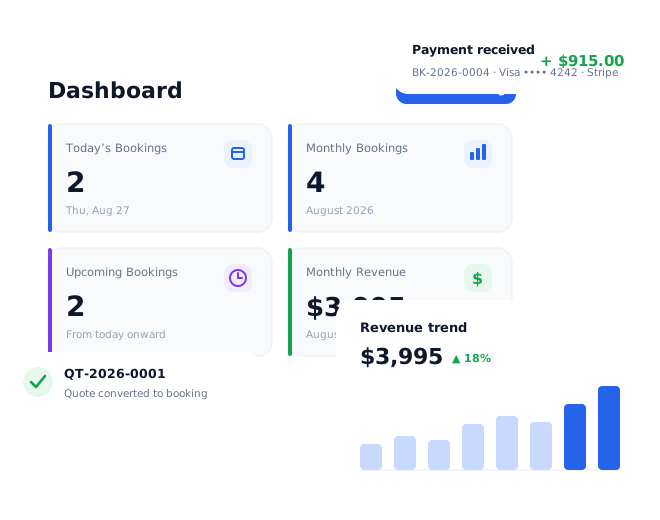
Modern booking platforms give you a small snippet of code — usually a single <script> tag — that you paste into a page on your current site. It renders your live availability, pricing and checkout inside your own design. Visitors never leave your domain.
- No redesign. It sits on the page you already have.
- One source of truth. The same calendar and rules power the widget, your admin, and any phone bookings you still take.
- Nothing extra to maintain. Update a price or block a date once and it is reflected everywhere.
What to put where
Give bookings their own clear page — “Check availability” — linked from your main navigation and from every vehicle page. Add a short booking module to the homepage for people who already know what they want.
Keep the phone number visible
Online booking should absorb the straightforward jobs so your team can spend time on the complex enquiries — multi-vehicle weddings, unusual routes, corporate accounts. The goal is fewer routine calls, not zero human contact.
Going live
Load your fleet, set your pricing and deposit rules, connect a payment account, paste the tag, and test a booking end to end. Most operators are taking live bookings within a day.